Understanding PC Hardware Performance: How FPSBench.com Empowers Professionals, Students, and Enthusiasts Across Every Industry
A comprehensive guide to leveraging real-world benchmark data for smarter hardware decisions in gaming, education, content creation, engineering, healthcare, finance, and beyond.
The global PC hardware market is projected to exceed $300 billion by 2027, yet the vast majority of buyers — from first-year computer science students to senior IT procurement managers — still make purchasing decisions based on incomplete information. Marketing materials emphasize peak theoretical performance. Spec sheets list numbers without context. Review sites test a narrow selection of configurations and leave readers to extrapolate.
The result is predictable: mismatched components, wasted budgets, and hardware that underperforms expectations. Whether you are a game developer profiling frame times, a university researcher speccing out a compute cluster, or a small business owner choosing laptops for your team, the core problem is the same. You need reliable, comparable, real-world performance data — and you need it organized in a way that actually supports decision-making.
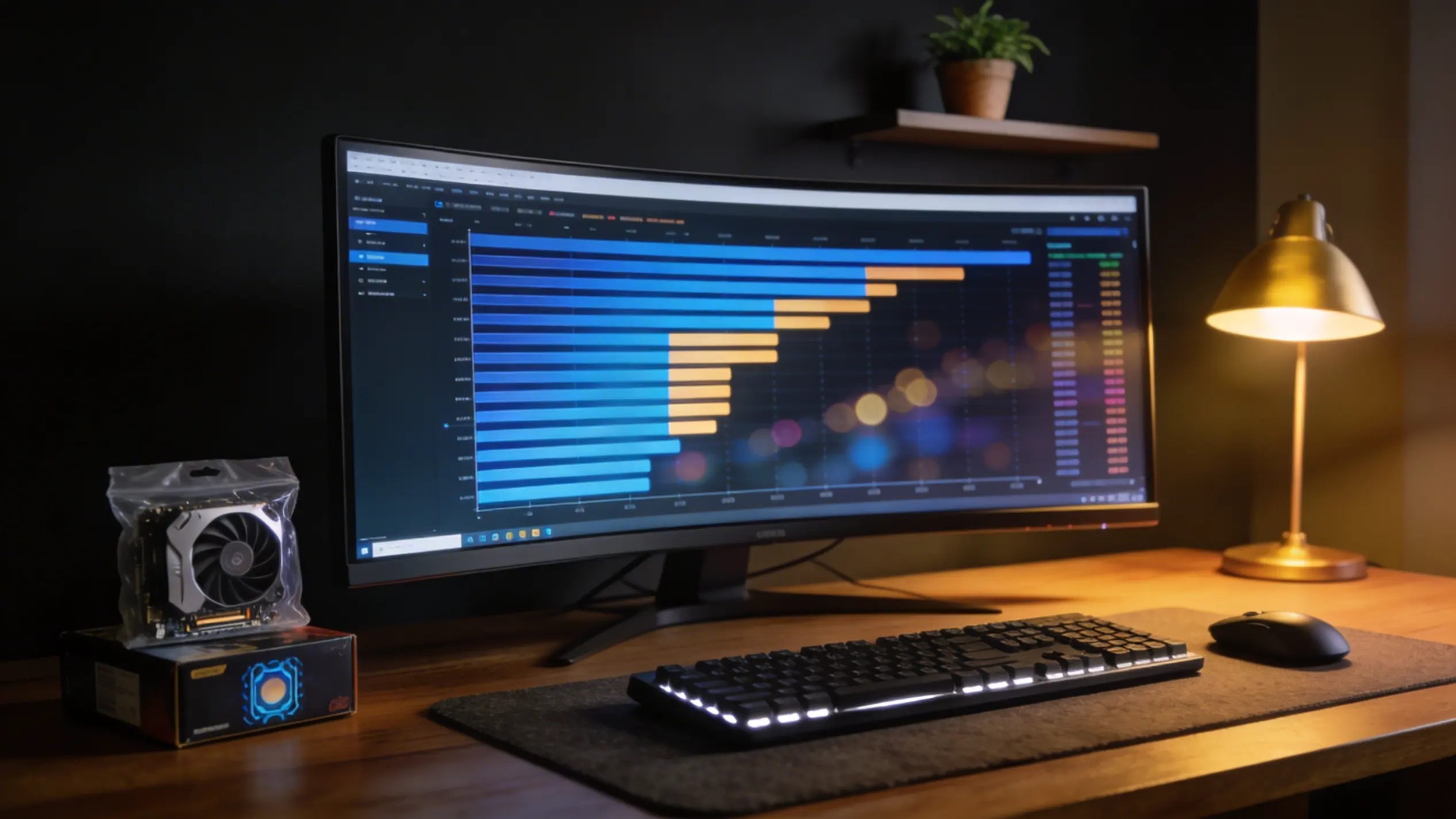
FPSBench.com was built to solve exactly this problem. It is a comprehensive hardware performance database that aggregates real benchmark data across thousands of CPUs, GPUs, and games, then presents it through purpose-built tools for comparison, ranking, compatibility checking, and value analysis. In this article, we explore how this platform serves professionals and learners across a wide range of industries and academic disciplines.
The Problem With Traditional Hardware Research
Before examining specific use cases, it is worth understanding why traditional hardware research fails so many people.
Synthetic benchmarks like Cinebench, 3DMark, and Geekbench measure raw computational throughput under controlled conditions. They are useful for establishing relative performance hierarchies, but they rarely reflect real-world workloads. A processor that dominates a multi-threaded rendering benchmark may still struggle with the single-threaded dependencies in your CAD software. A GPU with an impressive Time Spy score might disappoint when running the specific simulation framework your lab depends on.
Review publications compound the problem by testing limited hardware combinations. If a reviewer benchmarks a flagship GPU with a flagship CPU, the results tell you nothing about how that GPU performs when paired with the mid-range processor your budget actually allows. The combinatorial explosion of CPU, GPU, memory, and resolution configurations means no single review can cover more than a fraction of real-world scenarios.
This is where a centralized, searchable database of real performance data becomes invaluable. Instead of extrapolating from a handful of reviews, you can look up specific hardware combinations and get measured results.
A Platform Built Around Real-World Data
FPSBench organizes hardware performance data around the metrics that matter most to actual users. The platform is structured around several core sections, each designed to answer a specific category of question.
The CPU database catalogs processors from every major manufacturer — Intel, AMD, Qualcomm, Apple, and others — with detailed specifications, benchmark scores, and performance rankings. Desktop, laptop, workstation, and server processors are all represented, making it useful whether you are building a gaming rig or speccing out rack-mounted compute nodes.
The GPU database provides the same depth for graphics cards. Every generation of NVIDIA GeForce and Quadro, AMD Radeon and Radeon Pro, and Intel Arc cards are cataloged with specifications, benchmarks, and real-world performance data. Professional and workstation GPUs sit alongside consumer cards, enabling direct cross-category comparisons that are difficult to find elsewhere.
The games database ties hardware to actual application performance. Rather than relying on developer-published minimum and recommended specifications — which are notoriously unreliable — users can see measured FPS data for specific hardware combinations in specific titles at specific resolutions and quality settings.
Gaming Industry: Beyond Marketing Hype
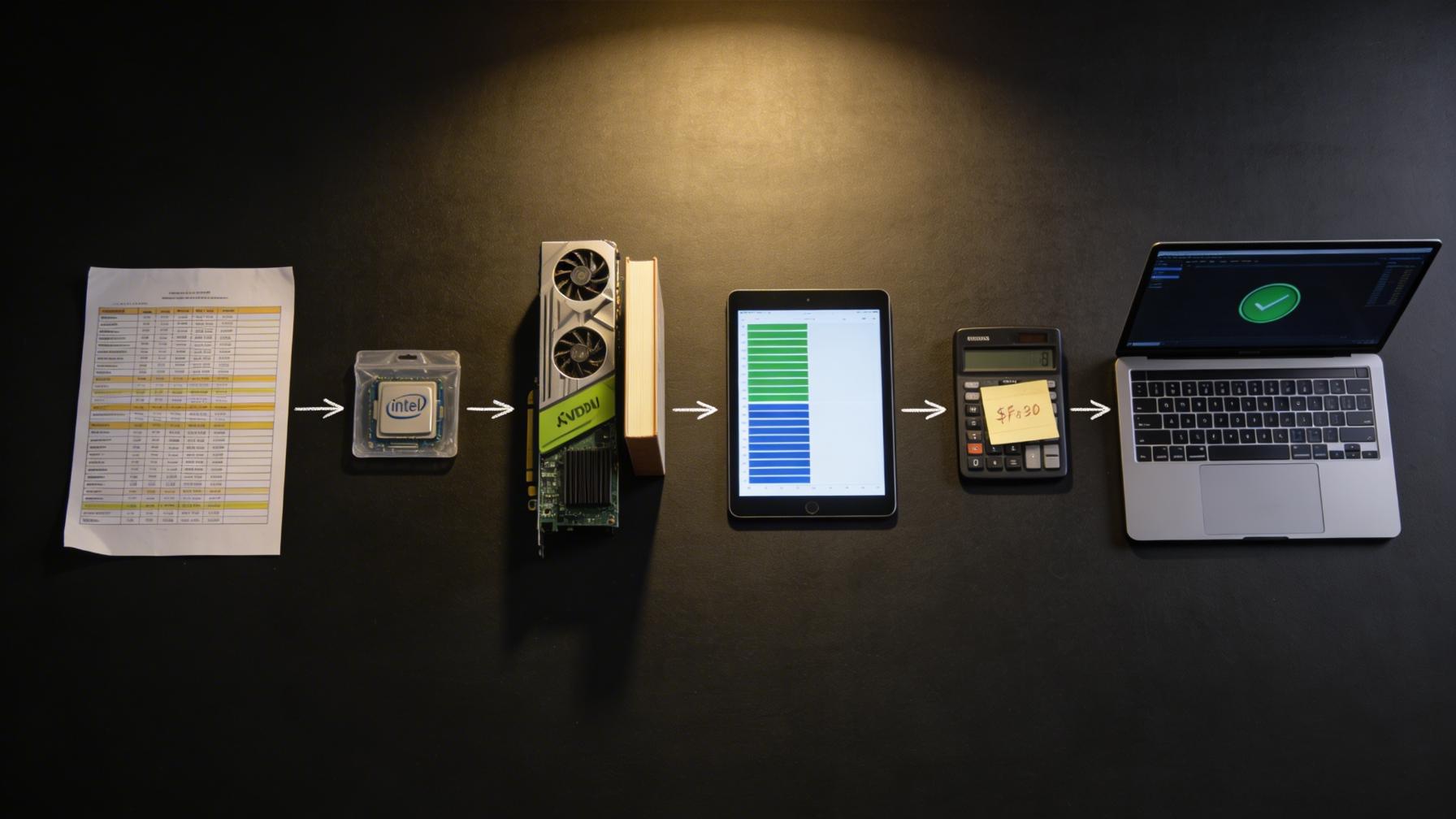
The gaming industry is the most obvious beneficiary of real-world FPS data, but the depth of utility extends far beyond casual “can my PC run this game” queries.
Game developers and QA teams use benchmark databases to understand how their titles perform across the hardware spectrum. When optimizing a game engine, knowing that a specific CPU-GPU pairing produces a 15% frame rate deficit compared to a similarly-priced alternative points directly to a driver issue, an engine bottleneck, or a missed optimization opportunity. The games section provides exactly this kind of cross-hardware performance visibility.
Esports organizations building competition rigs need hardware that delivers consistent, high frame rates with minimal variance. Frame time consistency matters as much as average FPS in competitive gaming. By comparing hardware combinations on FPSBench, tournament organizers can identify the configurations that deliver the smoothest experience in their specific title.
Gaming café and LAN center operators face a unique challenge: they need to maximize performance across dozens or hundreds of machines while controlling costs. The GPU price-performance rankings and CPU price-performance rankings are purpose-built for this kind of fleet purchasing decision, revealing which components deliver the most frames per dollar.
Content creators and streamers who game while recording or streaming need balanced builds that handle both workloads simultaneously. The Rate My PC tool helps validate that a proposed CPU-GPU pairing is balanced — avoiding the common pitfall of a GPU bottleneck during gameplay or a CPU bottleneck during encoding.
Education and Academia: A Teaching and Research Tool
PC hardware performance analysis is relevant across multiple academic disciplines, and FPSBench serves as both a teaching resource and a research tool.
Computer science and computer engineering programs teach students about processor architecture, memory hierarchies, parallelism, and GPU compute. Abstract concepts become concrete when students can compare real benchmark data across processor generations and see how architectural changes — wider execution units, larger caches, higher memory bandwidth — translate into measurable performance differences. The CPU database and GPU database provide the raw data for this kind of analysis.
Information technology and systems administration courses require students to understand hardware procurement and lifecycle management. Assignments that ask students to spec out a computer lab, a render farm, or a data analysis workstation become far more realistic when students can reference actual performance data and price-performance ratios rather than working from theoretical specifications alone.
Digital media and game design programs need students to understand the hardware constraints their creative work will run on. A student designing a 3D environment in Unreal Engine benefits enormously from understanding how different GPU tiers handle their scene complexity. The Can I Run It tool and the What Games Can I Run tool demonstrate the direct relationship between hardware capability and software performance in a way that textbooks cannot.
Research labs across disciplines — from computational biology to climate modeling to machine learning — depend on high-performance computing hardware. When a lab is deciding between allocating budget to more CPU cores or a more powerful GPU for their specific workload, real benchmark data is essential. The CPU performance rankings and GPU performance rankings provide a starting point for these evaluations.
Architecture, Engineering, and Construction (AEC)
The AEC industry has become increasingly dependent on GPU-accelerated workflows. Building Information Modeling (BIM) software like Autodesk Revit, real-time visualization tools like Enscape and Twinmotion, and structural analysis packages like ANSYS all have distinct hardware requirements that rarely align with consumer gaming benchmarks.
Architects rendering client presentations need GPUs that handle complex scenes with millions of polygons and advanced lighting. Engineers running finite element analysis need processors with strong multi-threaded performance and large memory bandwidth. Construction firms deploying field tablets need to understand the minimum hardware that will run their BIM viewer acceptably.
The ability to compare GPUs head-to-head using standardized benchmarks helps AEC firms evaluate whether a professional Quadro or Radeon Pro card justifies its premium over a consumer GeForce or Radeon card for their specific workflow. In many cases, the consumer card delivers equivalent or superior performance at a fraction of the cost — but you need data to make that determination confidently.
Healthcare and Medical Imaging
Medical imaging workstations — used for viewing CT scans, MRI data, 3D reconstructions, and surgical planning — require specific GPU capabilities. DICOM viewers, 3D Slicer, and surgical simulation software demand reliable GPU performance with an emphasis on precision and stability over raw speed.
Hospital IT departments procuring imaging workstations can use the GPU database to compare professional-grade cards from NVIDIA and AMD, evaluating specifications like VRAM capacity, memory bandwidth, and compute performance that directly impact medical imaging workflows. The detailed specification pages for each GPU provide the technical depth that healthcare procurement requires.
Finance and Quantitative Analysis
Quantitative trading firms, risk analysis departments, and financial modeling teams increasingly rely on GPU-accelerated computing for Monte Carlo simulations, options pricing, and real-time market data processing. The difference between a well-chosen and a poorly-chosen GPU can translate directly into latency — and in high-frequency trading, microseconds matter.
The GPU rankings provide a clear performance hierarchy that helps quantitative teams identify the most capable hardware for their compute workloads, while the price-performance analysis ensures they are not overspending for marginal gains.
Media Production and Content Creation
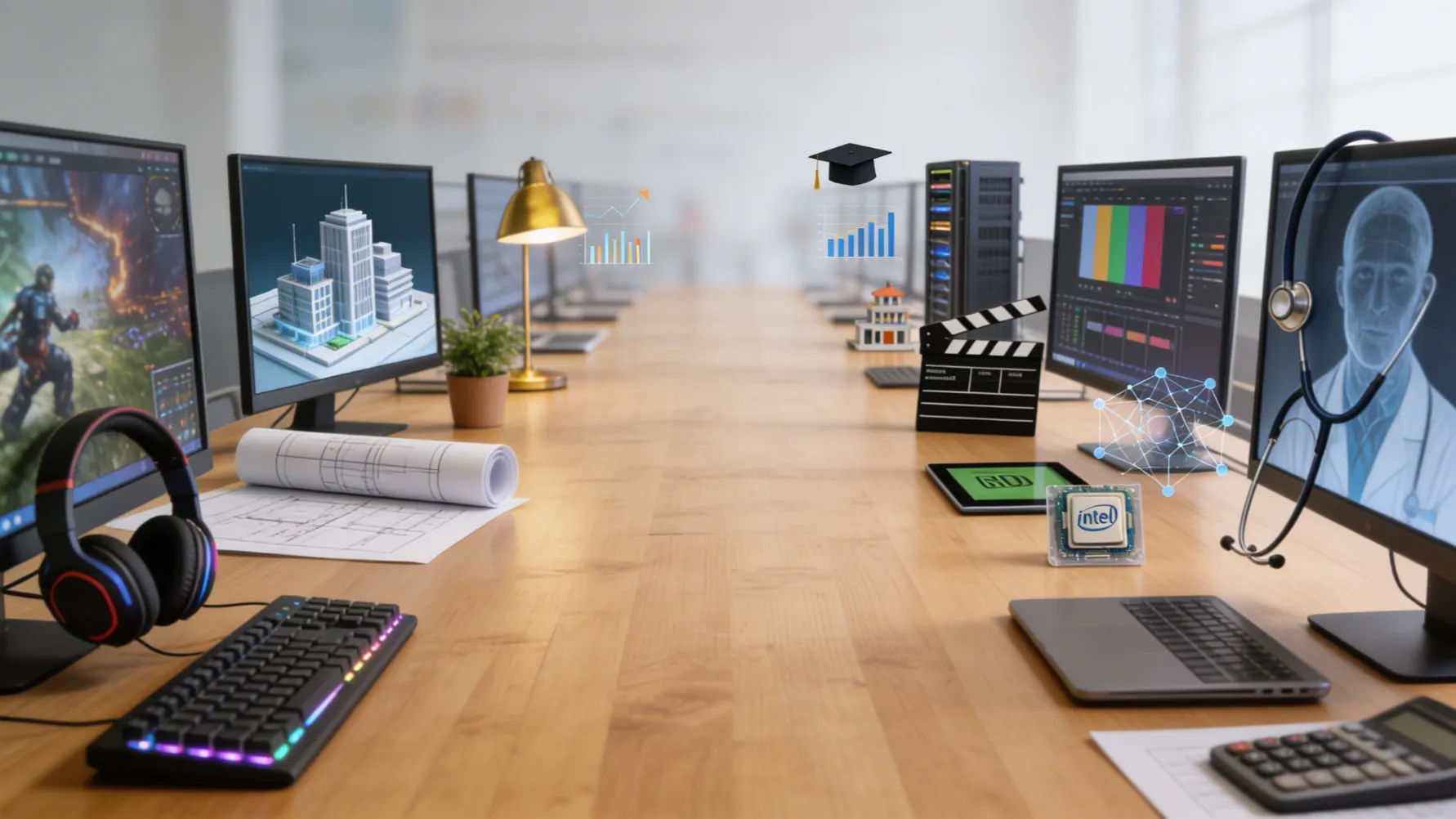
Video editors, motion graphics artists, 3D animators, and music producers all depend on hardware that can handle their specific creative tools. Adobe Premiere Pro, DaVinci Resolve, Blender, Cinema 4D, and Ableton Live each stress different hardware subsystems in different ways.
Premiere Pro and DaVinci Resolve benefit enormously from GPU acceleration for real-time playback, color grading, and encoding. Blender’s Cycles renderer can use either CPU or GPU rendering, and the optimal choice depends on scene complexity and available hardware. Understanding these tradeoffs requires real performance data, not marketing claims.
The CPU comparison tool allows creators to evaluate whether upgrading from a six-core to an eight-core processor will meaningfully improve their Blender render times, while the GPU database helps them determine whether the VRAM increase from a mid-range to a high-end card justifies the cost for their typical project sizes.
Data Science and Machine Learning
The machine learning community’s hardware needs have exploded in recent years. Training neural networks, running inference, and processing large datasets all demand specific hardware capabilities — particularly GPU compute performance and VRAM capacity.
While enterprise-grade hardware like NVIDIA’s H100 and A100 dominates large-scale training, many researchers and smaller teams work with consumer GPUs. An RTX 4090 or RTX 5090 can be a remarkably capable training accelerator for models that fit within its VRAM. The GPU database provides the specifications needed to evaluate whether a particular card’s VRAM, memory bandwidth, and compute capability meet the requirements of a specific ML framework and model architecture.
University ML labs operating on limited budgets particularly benefit from the GPU price-performance rankings, which can reveal that a previous-generation card offers 80% of the performance at 50% of the cost — a compelling proposition when you are buying multiple cards for a small training cluster.
Enterprise IT and Fleet Procurement
IT departments responsible for procuring hundreds or thousands of machines face a fundamentally different challenge than individual buyers. They need to balance performance requirements across diverse user groups — from administrative staff who need basic productivity performance to engineers who need workstation-class hardware — while managing total cost of ownership.
The CPU price-performance rankings are directly applicable to fleet procurement decisions. When you are buying 500 laptops, a $50 per-unit saving on the processor — validated by benchmark data showing negligible performance difference for the target workload — translates into $25,000 in budget that can be allocated elsewhere.
The Rate My PC tool also serves an unexpected enterprise function: it helps IT teams evaluate whether existing hardware can be extended for another refresh cycle. If the tool shows that current machines still deliver adequate performance for their assigned workloads, the organization can defer a costly hardware refresh.
Practical Tools That Drive Decisions
Beyond the databases and rankings, FPSBench provides several purpose-built tools that translate raw data into actionable answers.
The Can I Run It tool answers the most common question in PC gaming: will my hardware run this specific game at acceptable frame rates? Unlike developer-published minimum specifications, which are often vague and conservative, this tool uses real benchmark data to provide specific FPS estimates for your exact hardware combination.
The What Games Can I Run tool inverts the question. Instead of starting with a game and checking your hardware, you start with your hardware and discover which games will run well on it. This is particularly useful for budget-conscious gamers and for educational institutions that need to verify software compatibility across their installed hardware base.
The hardware comparison tool enables direct head-to-head evaluation of any two CPUs or GPUs using standardized benchmarks. This eliminates the inconsistency that plagues cross-review comparisons, where different publications use different test methodologies, different driver versions, and different game settings.
The Value of Vendor-Neutral, Data-Driven Analysis
One of the most significant advantages of a centralized benchmark database is vendor neutrality. When Intel, AMD, and NVIDIA publish performance claims, they naturally select benchmarks and configurations that favor their products. Independent review sites are more balanced but still limited by the hardware samples they receive and the time available for testing.
A comprehensive database that includes hardware from all manufacturers, tested under consistent conditions, provides the closest thing to an objective performance comparison that exists. This is particularly valuable in procurement contexts where vendor relationships and marketing pressure can distort purchasing decisions.
For students learning about computer architecture, this neutrality is equally important. Understanding that AMD excels in multi-threaded workloads while Intel historically led in single-threaded performance — and that this dynamic shifts with every generation — requires access to data that spans both ecosystems without bias.
Making Smarter Hardware Decisions in 2026
The PC hardware landscape in 2026 is more competitive and more complex than ever. NVIDIA’s Blackwell architecture, AMD’s RDNA 4 and Zen 5 lineups, and Intel’s Arrow Lake and Arc B-series processors and GPUs give buyers more options at every price point. More options means more potential for confusion — and more potential for making suboptimal choices.
The antidote to confusion is data. Real-world benchmark data, organized for comparison, ranked by performance and value, and tied to specific applications and games. FPSBench.com provides exactly this, serving as a decision-support platform for anyone who needs to understand PC hardware performance — whether they are a professional making a six-figure procurement decision, a student learning the fundamentals of computer architecture, or an enthusiast building their dream gaming rig.
The tools are free, the data is comprehensive, and the platform continues to grow as new hardware launches and new benchmarks are added. In a market flooded with marketing claims and incomplete information, having a single, reliable source of real-world performance data is not just convenient — it is essential.